The next customer is ready to order. The current buyer has scanned your QR, but is still looking at their phone. Should you pack the goods, check your wallet or ask them to try again?
For a merchant, fast payment means more than a fast blockchain. It means the customer can understand the request, approve it without unnecessary detours, and give staff a clear result to match before handover. A short chain confirmation does not help a queue if someone is still installing a wallet—or if the seller never notices the receipt.
The useful question is which part of this checkout is waiting, and what can we prepare before the next sale?
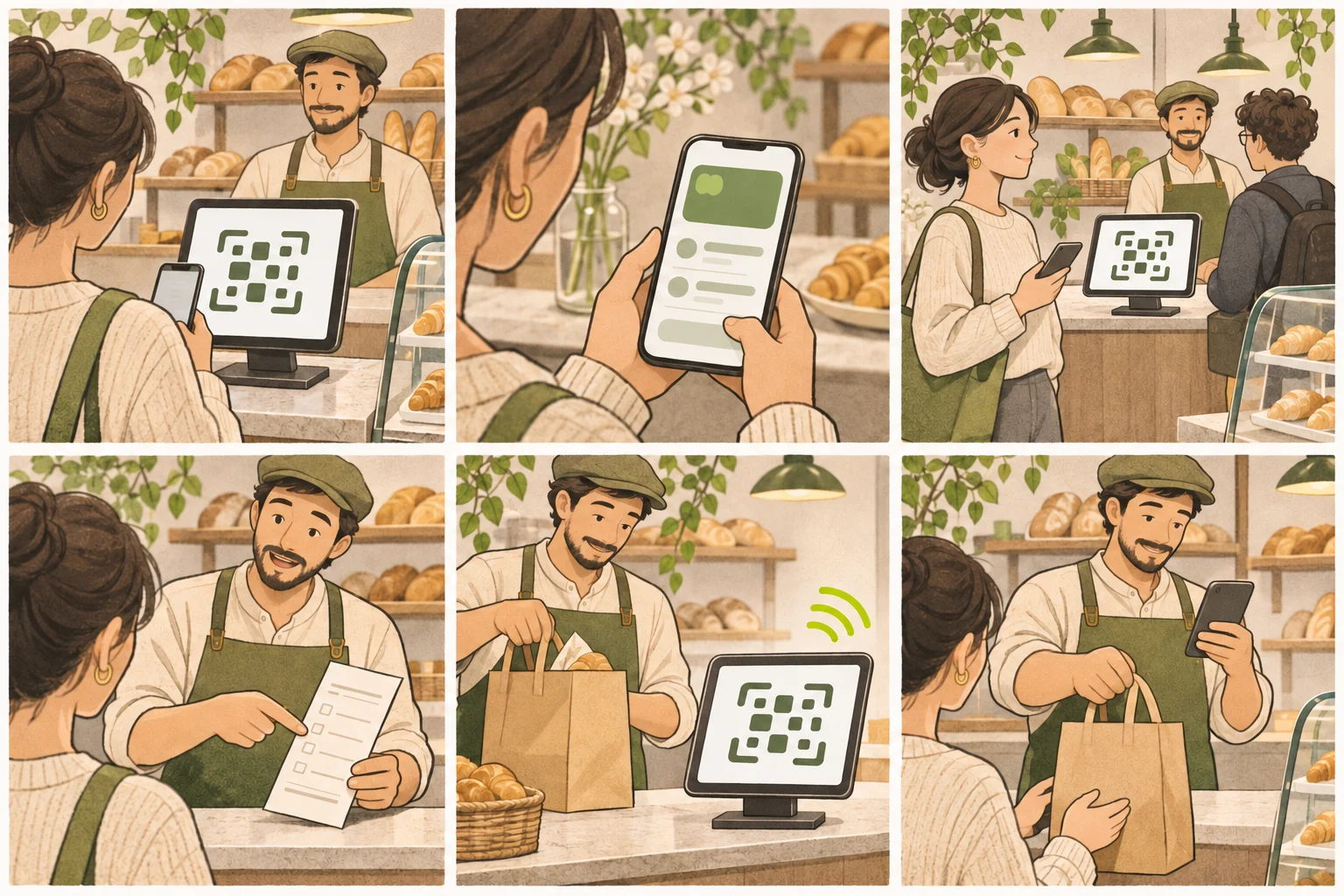
AI-generated concept illustration, not a product screenshot or a measured payment test. The scan pattern is nonfunctional. Scenes illustrate customer and staff tasks, not guaranteed timing or automatic order matching.
Look at two journeys through the same sale
Imagine a bakery selling an 18 USDC box. The buyer needs to open the right request and authorize the payment. The seller needs to know that this box has a matching receipt. Those journeys overlap, but they are not the same screen or the same task.
| Stage | Customer's task | Staff's task | A delay worth noticing |
|---|---|---|---|
| Agree the sale | Understand the total and accepted network | State the total and identify the order | Price or network explained only after scanning |
| Open checkout | Scan and load the payment page | Keep the customer-facing QR visible | Glare, poor placement or a page that will not load |
| Review and approve | Use a compatible wallet and review the request | Prepare the order without rushing approval | Missing funds, wallet switching or an unclear prompt |
| Process payment | Wait for the submitted operation's result | Monitor the current receipt, not an older one | Uncertain processing or a disconnected display |
| Handover | Collect the correct goods | Match the completed amount and sale | Equal totals or an unresolved payment reference |
This is an operating checklist, not a stopwatch benchmark. None of the stages has a guaranteed duration.
Remove the delays that happen before payment
Put the price in USDC and accepted networks where customers can see them before reaching the QR. A buyer holding funds on a different network may need a separate funding or transfer process. PayIn does not bridge those funds inside checkout.
For one product at one price, a fixed-amount link reduces the work of entering a total. For a changing basket, state the agreed total clearly and check the amount the customer enters. PayIn does not automatically pull a basket total from your till.
Position the tablet so its screen faces the customer, with enough room to hold a phone at a comfortable distance. Check reflections, power and connectivity on the actual counter. A printed code can open the public payment link, but it cannot provide the live display's receipt feedback.
Complete merchant network preparation before opening. The Base guide and Solana receiving-account guide cover different requirements. Enabling a network is useful only when your receiving setup and the customer's wallet are ready for it.
Wallet approval is part of the experience
Scanning a payment-link QR opens a web request. It does not itself send funds. The customer still needs to review the amount, destination and supported wallet flow.
PayIn's EVM signing flow uses a USDC transfer authorization, while its Solana flow prepares a transaction for wallet signing. They should not be described as identical wallet prompts. Connecting a wallet is also distinct from authorizing payment.
The x402 architecture separates payment authorization, verification and settlement; its official whitepaper describes those roles. That separation can support a guided payment flow, but a wallet signature alone is not proof that the merchant has received funds.
Staff can explain which step comes next without asking the buyer to approve blindly. Never trade away the customer's chance to inspect a request merely to shorten a queue.
Fast networks help one part of the journey
Base and Solana are relevant to counter payments because responsive network processing can reduce part of the wait after authorization. They do not remove the scan, wallet interaction or merchant feedback steps.
Base's Flashblocks explanation describes early transaction preconfirmations. Solana's payment verification documentation distinguishes processed, confirmed and finalized states. These are network concepts, not interchangeable measurements of when a PayIn customer finishes checkout or when staff hear an announcement.
This guide does not report a PayIn speed test or a network ranking. A meaningful comparison would use the same start and end points: for example, request opened, authorization submitted, completed payment recorded and staff feedback received. Record the wallet, network and connection conditions alongside those observations.
Make the result easy for staff to notice
Once a buyer has submitted payment, the seller should not need to keep opening a receiving wallet. A PayIn POS display can show a newly confirmed receipt and announce the amount when audio is enabled.
That is the practical value of the display: the customer has a consistent place to start, and staff have a more direct way to notice the result while working. It complements the receiving wallet with feedback around the sale.
Activate and test audio on the counter device, keep the browser visible and connected, and choose which device should announce. The test sound proves audio output works, not that a sale was paid. Use the busy-counter sound guide for the staff routine and the POS setup guide for device settings.
Keep an unclear payment from blocking every other customer
If space and staffing allow, give the customer a place to wait while you check the existing payment reference and take the next order. Keep their goods associated with the original sale and avoid mixing its receipt with a later buyer's payment.
A missing announcement does not prove nonpayment. A submitted or confirming operation needs reconciliation before another payment is requested. Use management to inspect status, amount, network and transaction details; follow the verification guide for uncertain results.
When totals repeat, check the reference rather than assigning the next sound to the next person in line. The equal-amount matching guide covers that ambiguity.
Improve one bottleneck before adding more hardware
Before the next shift, walk through what customers can read, where they scan, how they reach their wallet, and what staff will notice after payment. You can inspect layout, link destinations, connectivity and test audio without moving money. These preparation checks do not measure payment settlement speed.
Then note where real customers actually need help, using non-sensitive observations rather than collecting wallet credentials or recording private screens. Fix the recurring interruption: unclear network information, awkward QR placement, amount entry or staff missing the result.
A faster counter comes from a prepared request, a supported payment flow and a receipt the team can act on. Explore the POS display or create a payment link after deciding how those pieces fit your counter.